
CUSTOM SLIDESHOW
Transform your listing photos into a custom slideshow, set to music.
HOW IT WORKS
Two quick steps to submit your selections.
-
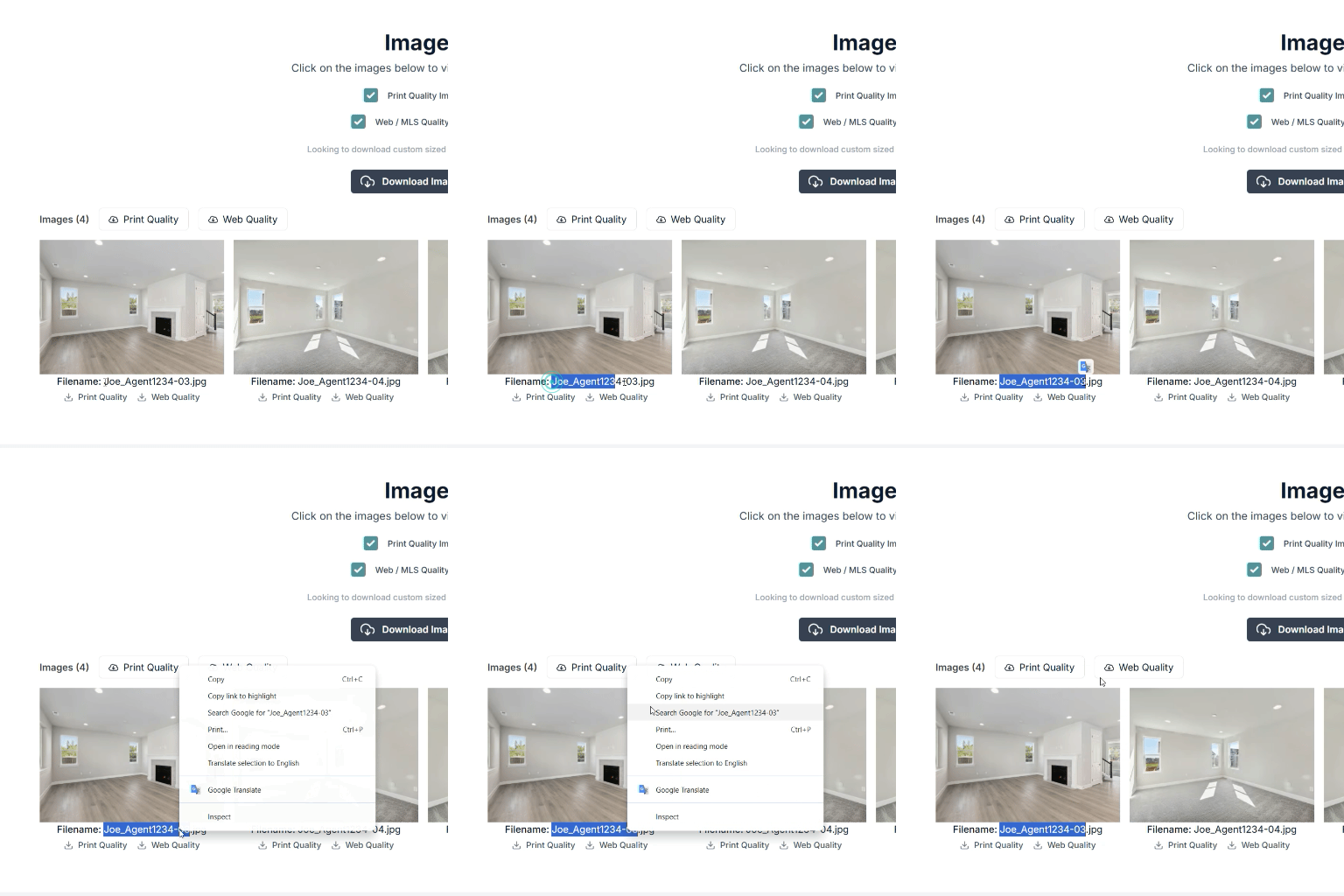
Grab the File Names
Head over to your Listing Page via your Client Portal. The file names will be directly below each image thumbnail.
-
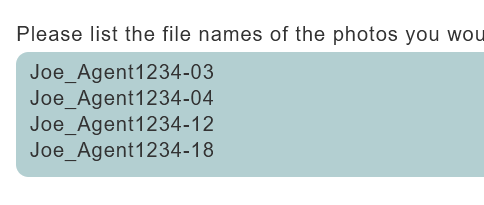
Copy & Paste
Share the file names below—we’ll double-check them against your listing photos to make sure everything lines up perfectly.
-
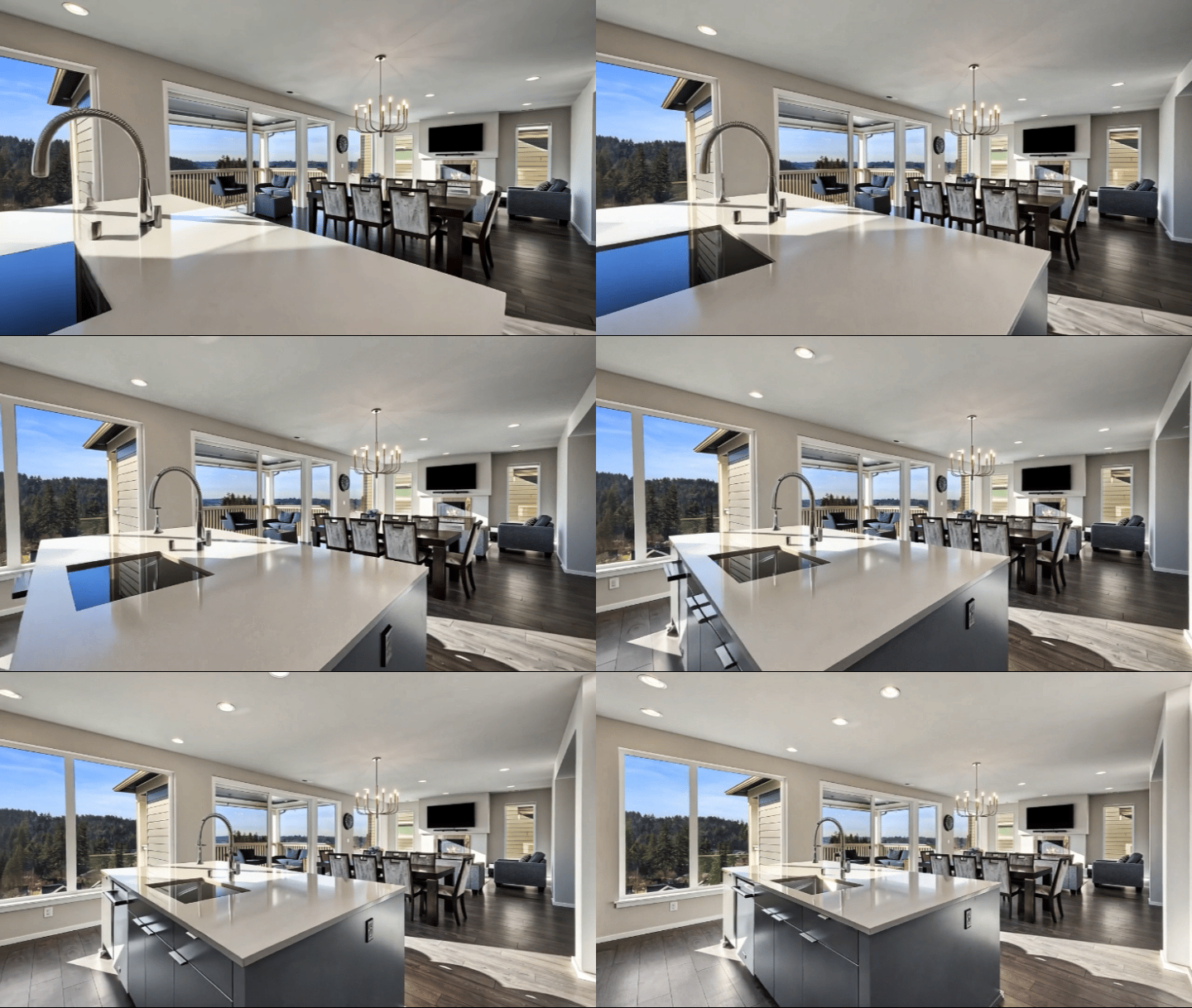
Start the Clock
Your video will be ready within one business day after we receive your completed form—delivered straight to your inbox and ready to share.
Submit Your Selections
Fill out the details below and paste the file names in the order you want them to appear.
-
Nope, you’re all set. This form is only for clients who chose to submit their own image selections and sequence.
-
When you placed your order, you indicated you’d like to provide your own image sequence. This form is where you tell us exactly which images to use—and, for SmartMotion AI or a Custom Slideshow, the order you want them to appear.
-
You can reach us at delivery@imageartspro.com, or by phone/text at 206-686-4041. Whether it’s a quick question or a detailed request, we’ll make sure you’re taken care of.
-
You can find the Virtual Staging, SmartMotion AI, and Custom Slideshow order forms here.