
Virtual Staging Just Got Easier.
We've introduced a simpler, more convenient way to request virtual staging.
If you've arrived through an old bookmark or saved link, we'd love for you to try our new ordering experience.
Start Your Virtual Staging Order →Having trouble with the site? You can still use our legacy order form below.
-
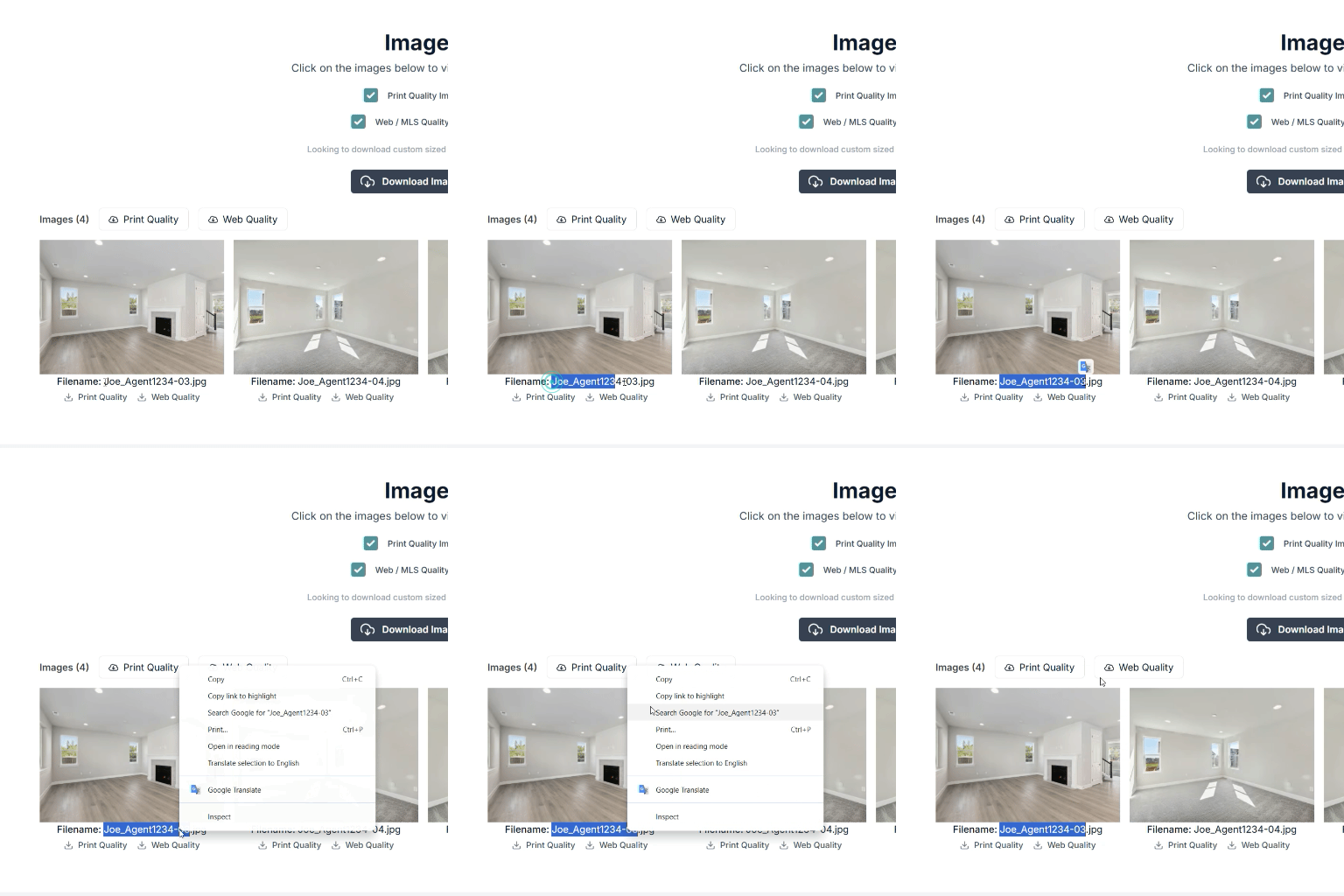
Grab the File Names
Head over to your Listing Page via your Client Portal. The file names will be directly below each image thumbnail.
-
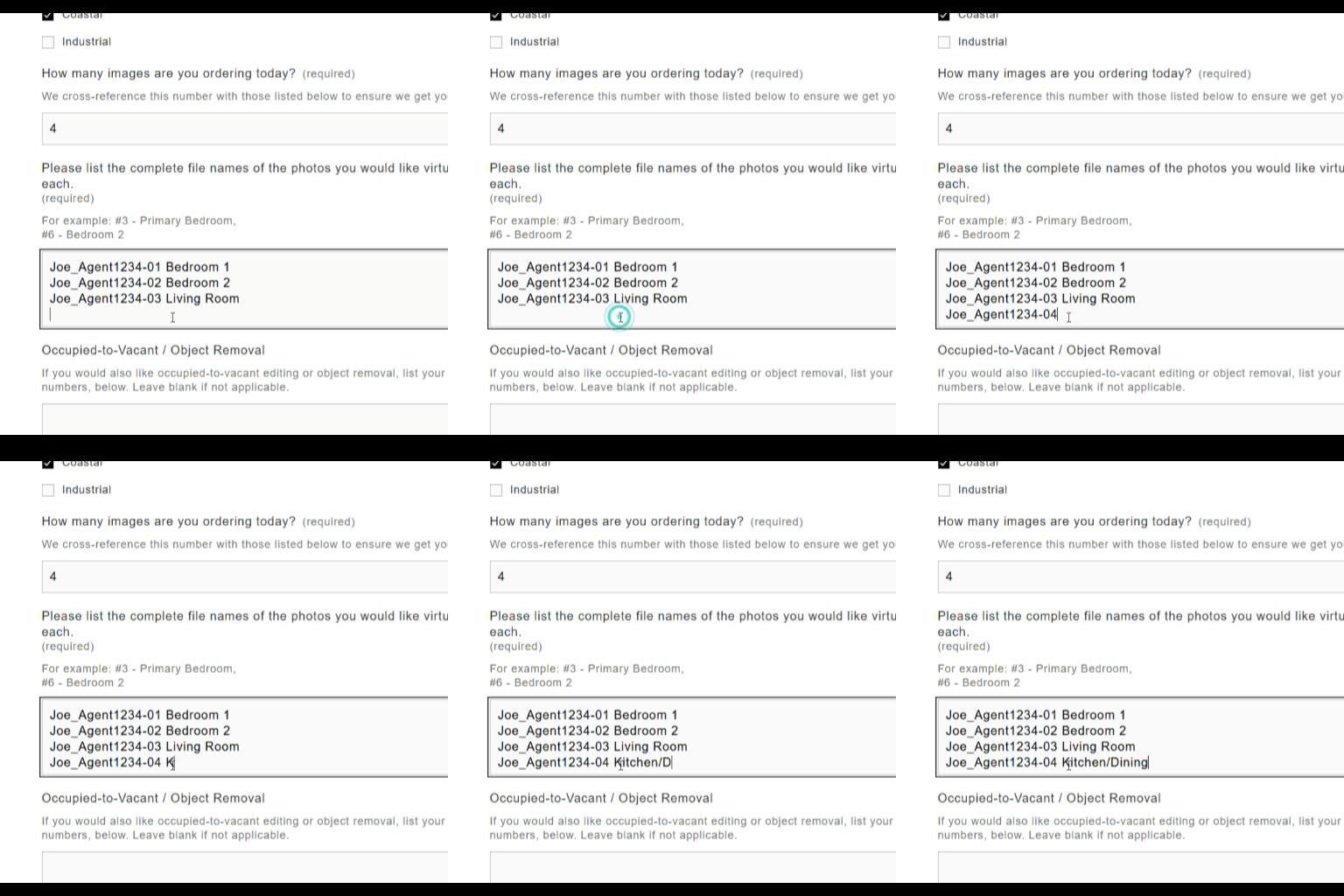
Copy & Paste
Share the file names in the form below, along with the name of the area/room of each image. If we'll be staging more than one bedroom, please let us know.
-
Additional Requests
Need Occupied-to-Vacant processing, Object Removal, or rush delivery? Let us know! You can include any additional requests or special instructions.
Submit Your Selections
-
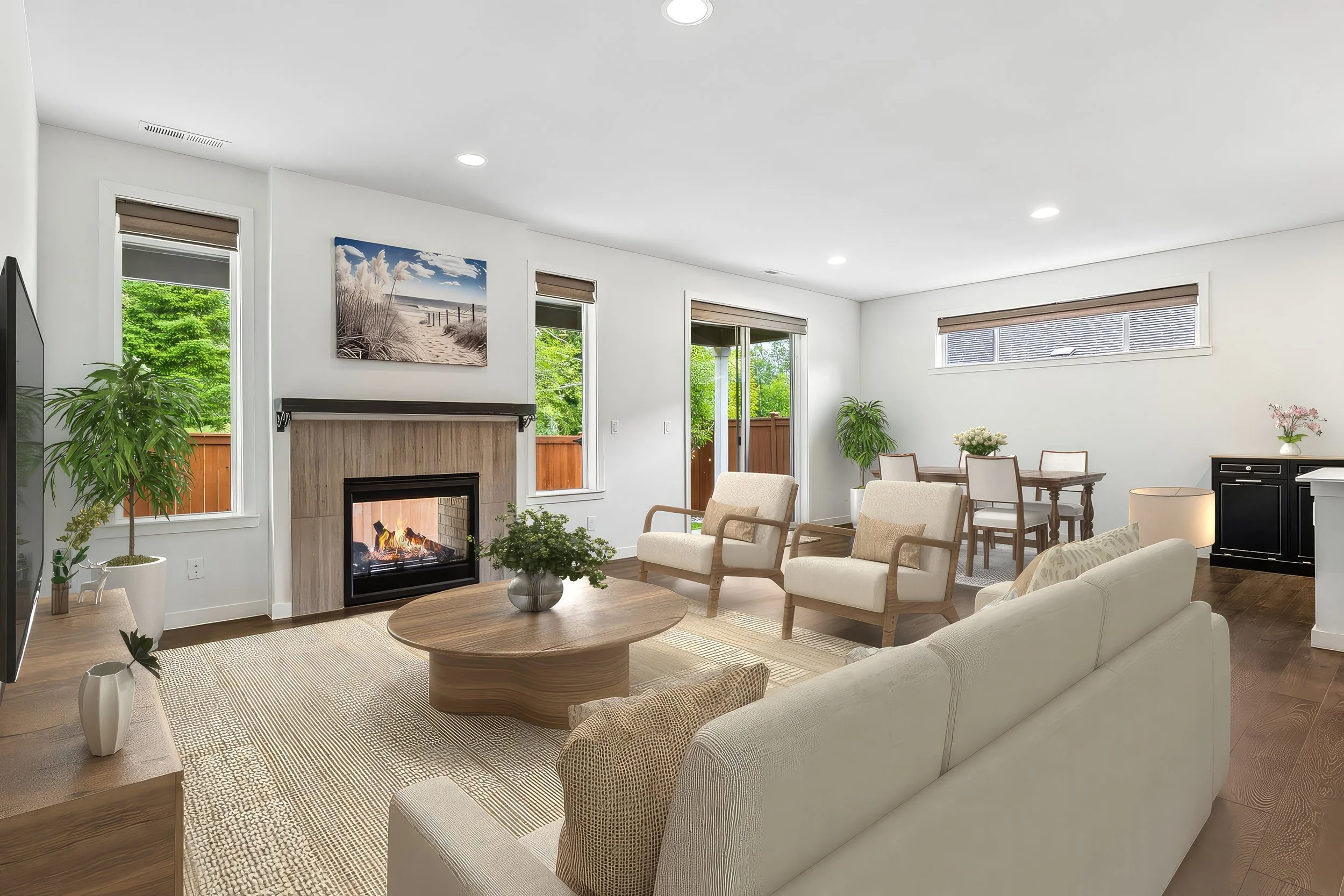
Adding virtual staging to your order lets us know you're interested in the service, but it doesn't tell us which photos you'd like staged or what each room should become.
Since we're working with empty spaces, we can't always tell whether a room is intended to be a bedroom, home office, dining room, or something else. Completing this form gives our production team the instructions needed to stage the correct spaces and deliver your order accurately and on time.
-
You can explore examples, view current pricing, and find answers to frequently asked questions on our Virtual Staging page.
-
You can reach us at delivery@imageartspro.com, or by phone/text at 206-686-4041. Whether it’s a quick question or a detailed request, we’ll make sure you’re taken care of.
-
You can find the Virtual Staging, SmartMotion AI, and Custom Slideshow order forms here.